Earth Descent: Cinematic Satellite-to-Street Zooms for Documentary-Grade Videos
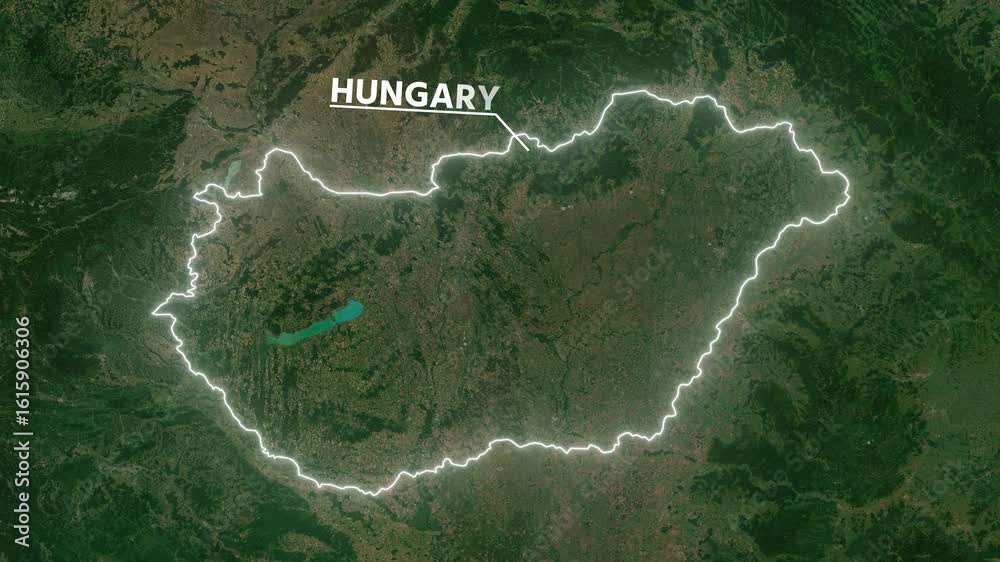
Earth Descent maps video effect is a premium animation tool creating cinematic satellite-to-street zooms for videos. Developed by Envizion AI, it features atmosphere haze, spring-physics bounce, and a coordinate HUD. Ideal for documentaries, true crime, and investigative journalism, it elevates videos to Netflix documentary grade with professional, immersive transitions.
# Earth Descent: Cinematic Satellite-to-Street Zooms for Documentary-Grade Videos
About Earth Descent
Earth Descent is a premium map animation effect that brings a cinematic satellite-to-street zoom to your videos. This effect is designed to create a visually stunning descent from a high-altitude satellite view to a street-level perspective, complete with atmosphere haze, spring-physics bounce, and a coordinate HUD. It's perfect for adding a professional touch to documentaries, true crime videos, and investigative journalism pieces. how to make a documentary short
Features
- Cinematic Zoom: Achieve a smooth, cinematic zoom from satellite to street level, adding a professional touch to your videos. Zoom Out Video Effect
- Atmosphere Haze: Enhance the realism of your descent with atmosphere haze, making the transition more immersive.
- Spring-Physics Bounce: Add a dynamic bounce effect to your zoom, making it more engaging and visually appealing. Heat Intelligence maps Video Effect
- Coordinate HUD: Include a coordinate HUD to provide context and location information, enhancing the storytelling aspect of your videos. how to make a documentary short
- Netflix Documentary Grade: Elevate your videos to the quality of Netflix documentaries, making them more compelling and professional. how to make a documentary short
When to Use Earth Descent
Earth Descent is ideal for a variety of video projects, including: ai video editor for music video production
- Documentaries: Add a professional touch to your documentary videos with a cinematic satellite-to-street zoom.
- True Crime: Enhance your true crime videos with immersive location transitions and coordinate HUDs.
- Investigative Journalism: Provide context and location information in your investigative journalism pieces with a visually appealing descent effect.
How to Apply
Applying Earth Descent to your videos is straightforward:
1. Select the Effect: Choose the Earth Descent effect from the marketplace. Whisper Style Video Effect
2. Customize Settings: Adjust the settings to fit your video's needs, such as the zoom level, haze intensity, and bounce effect. Zoom Out Video Effect
3. Add Coordinate HUD: Include a coordinate HUD to provide location information.
4. Preview and Apply: Preview the effect to ensure it meets your expectations, then apply it to your video. Heat Intelligence maps Video Effect
For more map animation effects, check out other options like War Room and Treasure Map.
Frequently Asked Questions
Ready to try AI video creation?
Start with 200 free credits. No credit card required.
Get Started Free200 credits included · Cancel anytime